
AI DevOps tools use machine learning and generative AI to support work across the software delivery lifecycle, including code review, security scanning, observability, incident response, and infrastructure provisioning. Many are AI features built into existing DevOps platforms rather than separate products, so teams typically evaluate AI capabilities inside the tools they already use rather than adopting AI tools standalone.
In this article, we review 12 AI tools used across the DevOps lifecycle. For each one, we cover what the tool does and where its AI features fit.
Common use cases for AI tools in DevOps
AI in DevOps automates pattern analysis, predicts failures from telemetry trends, and speeds up software delivery by handling repetitive, error-prone tasks. These tools work on large volumes of operational data to detect anomalies, predict failures, and optimize performance.
Most AI features in DevOps tooling fall into one of five buckets:
- Predictive alerting — forecasting outages or capacity issues from telemetry trends instead of static thresholds.
- Incident response automation — triage, on-call routing, and runbook execution without a human dispatching every step.
- Anomaly detection — flagging latency spikes, error patterns, or resource use that a fixed rule wouldn’t catch.
- Code and config review — scanning for bugs, vulnerabilities, and IaC misconfigurations on every PR.
- Cloud cost and capacity optimization — right-sizing workloads and surfacing waste from usage data.
Read more: 20 Best AI-Powered Coding Assistant Tools
How we review software at Spacelift
Tools in this list were selected based on three criteria: production use by DevOps teams, AI features that are part of the documented product rather than experimental or roadmap items, and a public usage signal. Spacelift is included as the publisher of this article. See the disclosure in the Spacelift section below.
Top AI DevOps tools
The tools listed below add AI and machine learning to automation, observability, deployment, and incident management.
The best AI DevOps tools include:
1. Sysdig
Sysdig is a cloud-native visibility and security platform that provides observability, threat detection, and compliance tools tailored for containers, Kubernetes, and microservices. It helps DevOps and security teams monitor infrastructure and application behavior, detect anomalies, and respond to threats in real time.
Sysdig primarily uses rule-based detection and is introducing machine learning features into its commercial offerings. It also supports compliance auditing and runtime security at scale, which fits modern DevSecOps workflows.
Sysdig offers both commercial solutions and open-source tools like Falco to support a wide range of users, from individual developers to large enterprises.
Sysdig now includes Sysdig Sage, an agentic AI analyst fully integrated across the platform. Sage augments investigations and response, translates natural-language questions into SysQL queries, and provides audit-ready risk reporting alongside its core investigation workflow.
Where Sysdig fits
Sysdig fits teams that need runtime visibility into containers and Kubernetes alongside security posture management, and that want an AI investigation layer on top of detection. The three-layer model matters for evaluation:
- Falco (Apache 2.0) provides the open-source runtime detection engine. Teams already running Falco are part way into the Sysdig ecosystem.
- The commercial Sysdig platform adds posture management, compliance auditing, and ML-driven alerting.
- Sysdig Sage is the AI analyst available in the commercial product, assisting with investigation and recommended actions.
Where it doesn’t
Sysdig is built around containers and a cloud-native runtime. Teams running mostly traditional VM workloads, or those needing endpoint and identity coverage in the same product, will find Sysdig’s scope narrower than general-purpose CNAPP vendors.
Website: https://sysdig.com
License/Price: Commercial (enterprise subscription model) with a limited free tier. Open-source tools like Sysdig OSS and Falco are available under Apache 2.0 licenses.
Sysdig ratings and reviews:
- G2: 4.7/5 (156 reviews)
2. AWS CodeGuru
AWS CodeGuru is a developer tool powered by machine learning that helps improve code quality and application performance. It assists development and DevOps teams by automatically reviewing code to detect critical issues, recommending fixes, and profiling live applications to identify CPU-intensive operations, latency hotspots, or inefficient resource usage.
Designed to integrate with existing development workflows, CodeGuru reduces the manual burden of code reviews and optimizes resource usage in production environments. It draws from Amazon’s internal code review methodologies and production experience to surface actionable insights.
Important availability updates: CodeGuru Security ends support on November 20, 2025. Starting November 7, 2025 new repository associations for CodeGuru Reviewer are not allowed. Existing associations continue. CodeGuru Profiler remains available.
Where CodeGuru fits
CodeGuru Profiler is the part of the service still generally available and still useful for AWS-hosted applications, where it identifies CPU-intensive methods and latency hotspots with minimal overhead.
Where it doesn’t
The rest of CodeGuru is on the way out. CodeGuru Security ended support on November 20, 2025, and CodeGuru Reviewer stopped accepting new repository associations on November 7, 2025. Existing CodeGuru Reviewer associations continue to function, but CodeGuru Reviewer and Security are not services to standardize on.
Note also that Amazon Q Developer, covered in the next section, is itself being sunset. AWS is consolidating its developer AI investment behind Kiro, a new agentic IDE. Teams evaluating an AWS-native code review path today should look at Kiro and dedicated SAST tooling rather than either CodeGuru or Q Developer.
Website: https://aws.amazon.com/codeguru
License/Price: Commercial (pay-as-you-go pricing). Billed based on lines of code reviewed and application profiling hours. No free tier, but usage-based pricing allows flexibility for different team sizes.
3. Snyk
Snyk is a developer-first security platform focused on identifying and fixing vulnerabilities in code, open-source dependencies, container images, and infrastructure as code (IaC). It integrates directly into development environments and CI/CD pipelines, enabling teams to address security issues early and continuously.
By combining automated scanning with developer-friendly remediation advice, Snyk empowers teams to secure applications without slowing down the development process.
Snyk runs at three points: IDE (real-time suggestions), pre-merge (PR scans), and pre-deploy (pipeline gates). The AI-prioritization mostly affects which findings you see first, not what’s detected.
While Snyk primarily uses curated security intelligence and policy-based scanning, it incorporates machine learning and heuristic analysis to prioritize vulnerabilities based on exploitability and context.
Key features of Snyk
- Vulnerability scanning across the stack — detects known security issues in application code, open-source packages, containers, and IaC configurations using a continuously updated vulnerability database.
- Developer-facing remediation guidance — provides context-aware fix suggestions, including automated pull requests, to simplify resolving findings.
- AI-assisted risk prioritization — combines ML models and curated intelligence to rank findings by exploitability, reachability, and business impact.
- Toolchain integration — works with IDEs, Git repositories, build pipelines, and cloud platforms including GitHub, GitLab, Bitbucket, Jenkins, Docker, and Kubernetes.
- Policy and license governance — supports custom security policies for open-source usage, license compliance, and vulnerability thresholds.
- Agentic governance through the Snyk AI Security Platform — Snyk’s platform (formerly branded as the AI Trust Platform) now includes Evo AI-SPM, generally available since RSAC 2026 in March, and the new Agent Security solution built on top of it, which governs autonomous coding agents like Claude Code, Cursor, and Devin. Within Agent Security, Agent Scan and Agent Red Teaming are in open preview, and Agent Guard is in private preview.
Website: https://snyk.io
License/Price: Freemium model. Offers a free tier with limited scans and features, while advanced capabilities and enterprise support are available through paid plans.
Snyk ratings and reviews:
- G2: 4.5/5 (126 reviews)
4. Amazon Q Developer (transitioning to Kiro)
Amazon Q Developer is AWS’s AI-powered assistant for developers and DevOps teams, providing code generation, troubleshooting, and infrastructure template generation through IDE plugins, terminal integration, and the AWS Console. It draws on AWS documentation and account context to tie responses to specific resources and services.
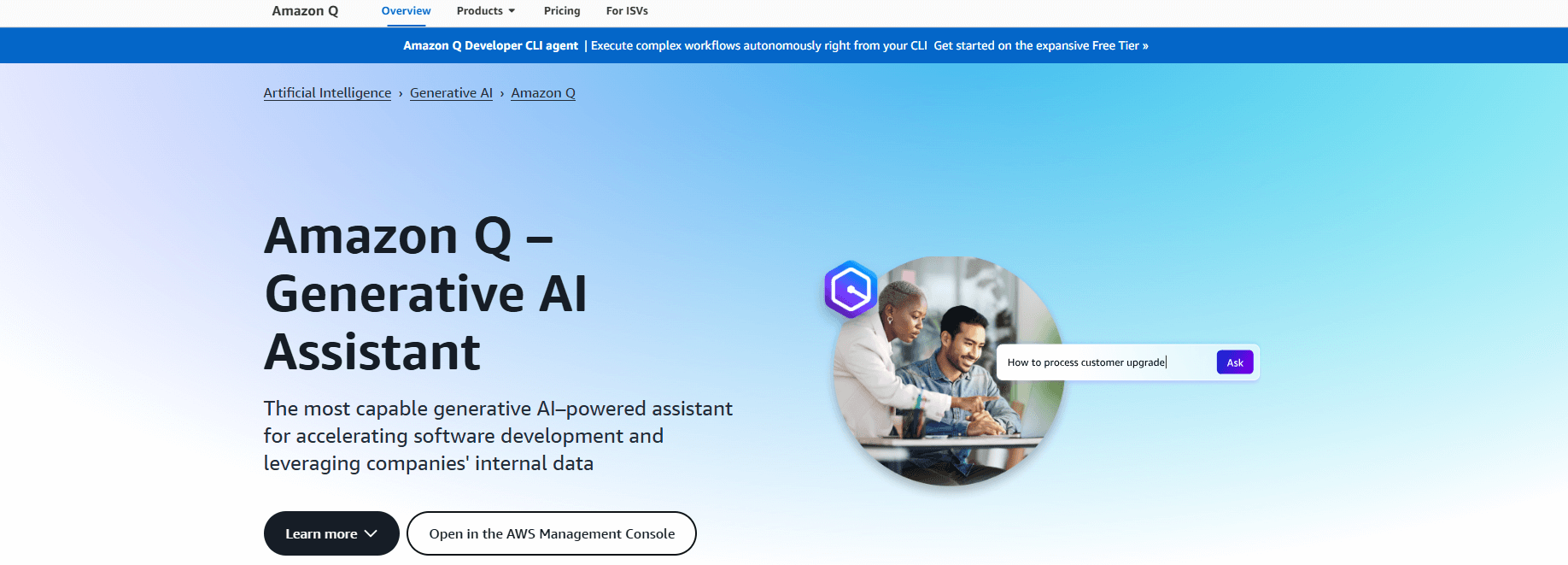
Important availability updates: AWS announced in April 2026 that Amazon Q Developer is reaching end of support. New signups (both Free Tier and Pro subscriptions) were blocked starting May 15, 2026. Existing subscriptions continue to function and can add new users until end of support on April 30, 2027.
AWS is directing customers to Kiro, a new agentic IDE built around spec-driven development, which retains Q Developer’s core capabilities (agentic coding, inline chat, terminal integration, MCP support) and is positioned as the successor.
Where Amazon Q Developer still fits
Teams with active Q Developer Pro subscriptions can continue using it through April 2027, and the AWS-specific context that made it stronger than generic assistants for AWS-heavy workloads still applies. The agentic coding capability remains available in VS Code, JetBrains, and Visual Studio. For organizations already standardized on Q Developer, the runway is long enough to plan a deliberate migration rather than rushing.
Where it doesn’t
Q Developer is not a service to start new adoption on. The May 15, 2026 cutoff means new teams can no longer sign up, and AWS’s frontier model investment is going into Kiro (Kiro-exclusive access to the latest models is already the pattern).
Teams evaluating an AWS-native AI coding tool today should start with Kiro. Teams that want a cloud-agnostic option should look at GitHub Copilot. The “run both” pattern that worked through 2025 (Q Developer for AWS-native, Copilot for general) now means evaluating Kiro alongside Copilot instead.
Website: https://aws.amazon.com/q (Q Developer) / https://kiro.dev (Kiro)
License/Price:
- Q Developer — Commercial, usage-based pricing tied to AWS accounts, with Free Tier and Pro tiers. New subscriptions are no longer available as of May 15, 2026.
- Kiro — tiered pricing through AWS, with separate cost pools for spec-mode and vibe-mode requests. Note that Kiro Pro’s request volume is lower than Q Developer Pro at the same price point.
Amazon Q Developer ratings and reviews:
- G2: 4.6/5 (34 reviews)
5. PagerDuty
PagerDuty is an AI-first incident operations platform that helps organizations proactively manage incidents, automate responses, and minimize downtime. Tailored for DevOps, SRE, and IT operations teams, it centralizes monitoring data and orchestrates real-time incident resolution across services and teams.

With AI and machine learning at its core, particularly in the Event Intelligence module, PagerDuty goes beyond simple alerting by detecting patterns, suppressing noise, and offering intelligent guidance during outages. PagerDuty bridges monitoring systems with human responders, automating alert triage and providing real-time decision support.
Key features of PagerDuty:
- Intelligent alert routing — uses machine learning to group related alerts, reduce noise, and direct incidents to the appropriate responders.
- Real-time incident response orchestration — coordinates team response with automated runbooks, on-call scheduling, and escalation policies.
- Event Intelligence and noise reduction — correlates signals from multiple monitoring tools to surface meaningful issues and suppress duplicates.
- Post-incident analysis — generates detailed timelines and analytics to support root cause analysis and continuous improvement.
- Integration ecosystem — connects with over 700 tools including AWS, Datadog, Slack, Jira, and ServiceNow.
- Microsoft 365 Copilot connectors for PagerDuty — the Incidents connector (generally available since December 2025) lets Copilot users surface incident context, while the Schedules and Escalation Policies connectors (in preview) bring on-call information and escalation policies into Microsoft 365 workflows.
Website: https://www.pagerduty.com
License/Price: Commercial. Offers tiered pricing plans based on features and team size, including a free version with basic incident management capabilities.
PagerDuty ratings and reviews:
- G2: 4.5/5 (916 reviews)
6. Atlassian Intelligence
Atlassian Intelligence is an AI-powered feature set embedded across Atlassian’s suite of tools, like Jira, Confluence, and Bitbucket, designed to accelerate decision-making, automate tasks, and enhance collaboration.
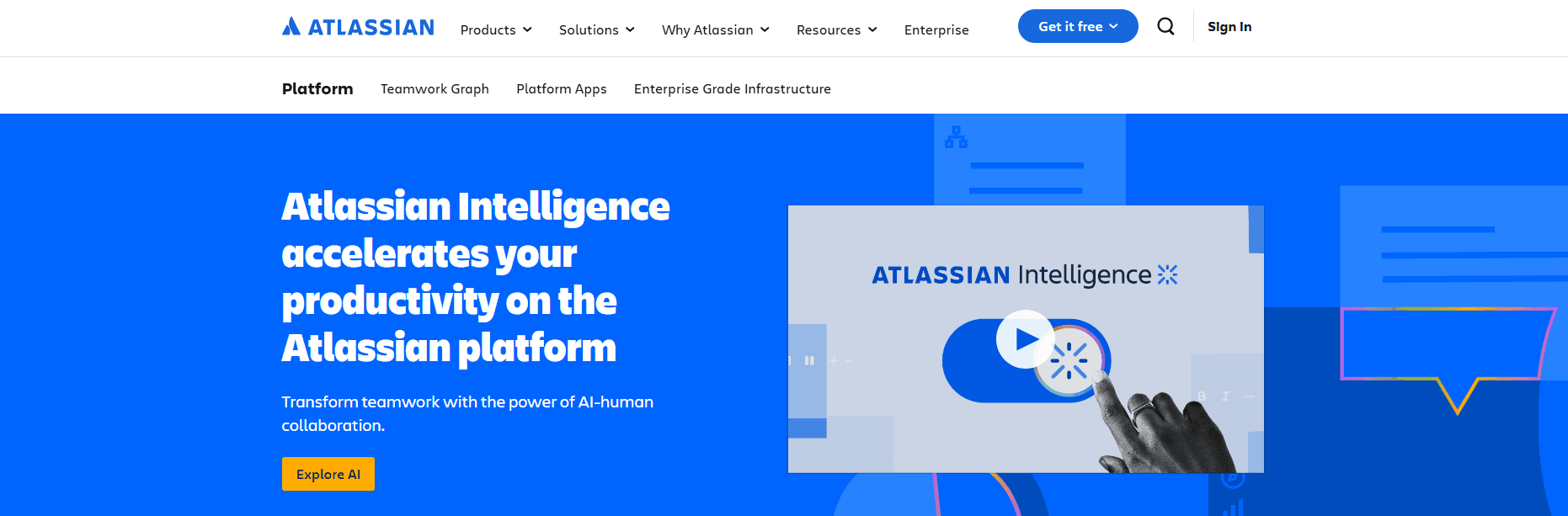
Built using Atlassian’s internal graph of organizational knowledge and integrated with large language models, it helps teams work smarter by surfacing insights, generating content, and providing contextual assistance. Whether summarizing tickets and documentation, suggesting issue prioritization, or offering AI-driven writing assistance.
Operational note
Atlassian Intelligence is now automatically activated on all paid Atlassian Cloud plans of Jira, Confluence, and Jira Service Management — Standard, Premium, and Enterprise.
The relevant question for evaluation isn’t whether you have access but how much access. Atlassian’s AI offering is delivered through Rovo, which provides per-user monthly credit allowances of 25 (Standard), 70 (Premium), and 150 (Enterprise) for Jira, Confluence, and JSM subscriptions. Higher-tier features like the Virtual Service Agent for Jira Service Management remain Premium and Enterprise only.
Where Atlassian Intelligence and Rovo change daily work is mainly in summarization, natural-language querying, and AI agents: turning long Jira ticket threads or Confluence pages into short summaries, answering questions about project data without writing JQL, and running Rovo agents that automate repetitive tasks across Atlassian and connected tools.
The content generation features (drafting Confluence pages, rewriting ticket descriptions) produce work that still needs editing. Teams treating Atlassian Intelligence as a draft-faster tool rather than an autopilot tend to get the most out of it.
Website: https://www.atlassian.com/atlassian-intelligence
License/Price: Included with all paid Atlassian Cloud plans (Standard, Premium, Enterprise). Rovo credit allowances scale by tier; Virtual Service Agent and higher allowances require Premium or Enterprise.
7. GitHub Copilot
GitHub Copilot is an AI coding assistant developed by GitHub in collaboration with OpenAI. It helps developers write code faster and more efficiently by offering real-time suggestions directly within the editor.
Trained on a massive corpus of publicly available code and natural language, Copilot understands context from comments and existing code to generate functions, boilerplate, and even complex logic.
It integrates with popular IDEs and supports a wide range of programming languages, making it a versatile companion across all stages of development. However, it may occasionally suggest insecure or non-idiomatic code and should be reviewed before deployment.
GitHub now includes filters and scanning to reduce risky suggestions, but oversight remains essential. GitHub Copilot now offers OpenAI’s GPT-5.4 and GPT-5.5 models (alongside Claude and Gemini options) across supported IDEs, which improves long-context reasoning and multi-file refactoring. GitHub also introduced Agent HQ, which lets teams orchestrate multiple coding agents inside GitHub and Visual Studio Code.
Operational note
Three updates have changed how Copilot fits into developer workflows.
First, Copilot now offers GPT-5.4 (GA since March 2026) and GPT-5.5 (GA since April 2026) across VS Code, JetBrains, Visual Studio, Eclipse, Xcode, and the Copilot CLI, alongside Anthropic and Google models in the picker. The day-to-day completion experience does not look different, but the change shows up when Copilot is asked to work across a codebase rather than within a single file. Agent mode is now generally available in both VS Code and JetBrains, which closes a meaningful gap for Java, Kotlin, and Python teams who live in JetBrains IDEs.
Second, GitHub Agent HQ lets teams orchestrate multiple coding agents inside GitHub and Visual Studio Code, running parallel agents on different issues, reviewing their work, and merging results. This shifts Copilot from an autocomplete tool to a delegate-and-review model, which benefits from different review practices, updated PR norms, and stricter CI gating.
Copilot still occasionally suggests insecure or non-idiomatic code. GitHub has added filters and scanning to reduce risky suggestions, but code review remains necessary.
Third, billing is changing. Starting June 1, 2026, GitHub is moving Copilot from request-based to usage-based billing. This affects how teams forecast Copilot costs, particularly for organizations running heavy agent-mode usage, where premium request multipliers (currently up to 7.5× for GPT-5.5 on promotional pricing) compound quickly.
Administrators evaluating Copilot today should model both pricing structures.
A separate change to note: starting April 22, 2026, new self-serve signups for Copilot Business on GitHub Free and Team plans were temporarily paused. Existing Business customers are unaffected.
Website: https://github.com/features/copilot
License/Price: Commercial. Subscription-based pricing for individuals and businesses, with a free plan available for verified students and open-source maintainers.
GitHub Copilot ratings and reviews:
- G2: 4.5/5 (228 reviews)
Use case example: How to Use GitHub Copilot for Terraform Infrastructure
8. incident.io
incident.io is a structured incident management platform that helps engineering teams respond quickly and consistently to outages. Built for use directly inside Slack or Microsoft Teams, it launches standardized workflows when an incident is declared, guiding responders through resolution with minimal friction.
The platform incorporates AI-driven automation to suggest severity levels, assign roles, and recommend relevant workflows based on incident context.

incident.io centralizes key response actions, spinning up channels, logging timelines, and sharing status updates, so teams stay aligned under pressure. It ingests alerts from monitoring tools like Datadog, Prometheus, or PagerDuty and transforms them into structured incidents with defined ownership.
Teams can also publish internal or public status pages directly from the incident interface, ensuring clear communication throughout.
Operational note
incident.io’s AI capabilities have expanded from a single feature into a broader AI SRE platform. The two pieces most relevant to evaluation are Scribe and the AI SRE assistant.
Scribe captures incident calls (Zoom, Google Meet, or Microsoft Teams) and Slack channel activity, producing a suggested write-up at the end of an incident: timeline, root cause hypothesis, and action items. In practice, Scribe changes which part of the postmortem process is the bottleneck.
Teams whose postmortems consistently slip because the writing is the hard part report that the first draft is no longer the painful step, while the analytical work still requires human judgment. The drafted timeline tends to be more accurate than a memory-based reconstruction, which improves the quality of postmortems that do get completed.
The AI SRE assistant goes further into the active-response phase. It correlates telemetry, recent deployments, and past incidents to identify the likely code change behind an incident, and can open suggested fix pull requests directly from Slack. This is a different category of work than Scribe. Scribe makes postmortems faster, while AI SRE shortens time-to-detection-of-cause during the incident itself.
For teams where the incident response coordination itself is the bottleneck rather than the write-up or the investigation, the Slack-native workflow automation matters more than the AI features.
Website: https://incident.io
License/Price: Free tier available. Paid plans with additional features and enterprise options.
incident.io ratings and reviews:
- G2: 4.8/5 (179 reviews)
9. Datadog
Datadog is a full-stack monitoring and security platform designed for cloud-scale applications. It unifies infrastructure monitoring, application performance management (APM), log management, and security into a single platform.
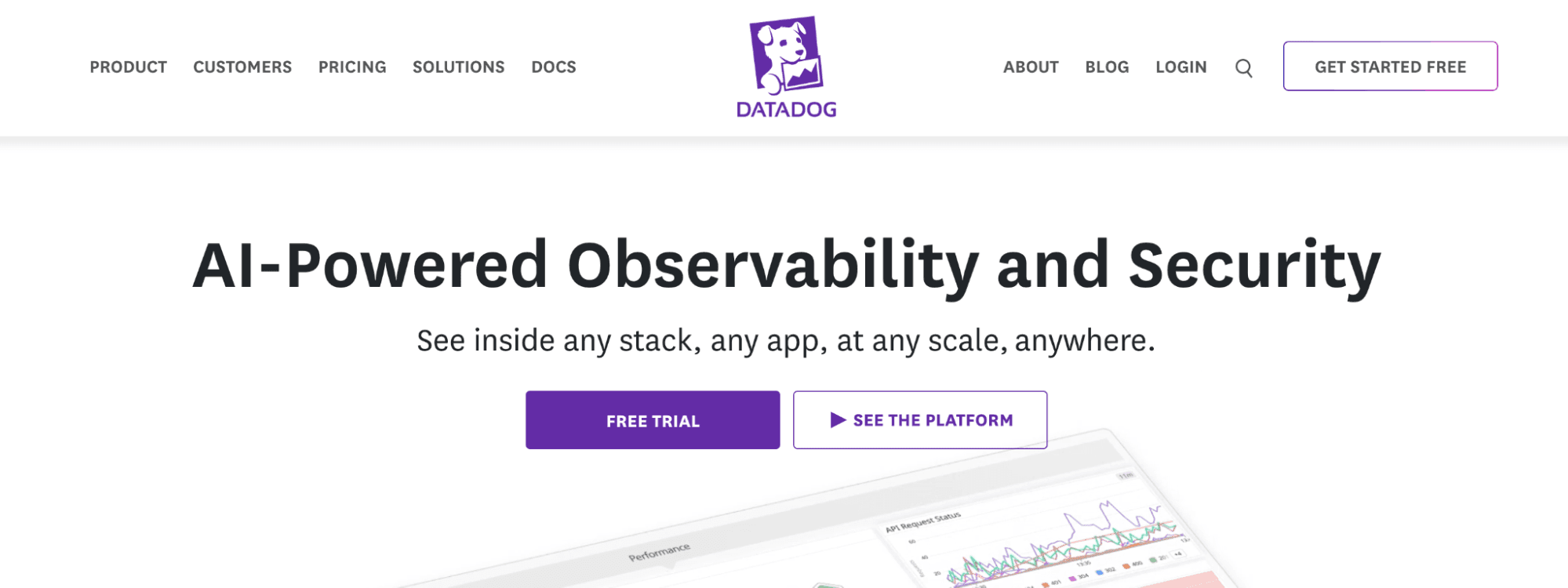
With built-in AI and machine learning, Datadog provides intelligent alerting, anomaly detection, and root cause analysis to help DevOps teams respond quickly and proactively to issues. Users can also configure custom models and thresholds when needed.
The platform is built to handle complex, dynamic environments and integrates with over 1,000 technologies, enabling real-time observability across the entire software delivery lifecycle.
Key features of Datadog:
- Watchdog anomaly detection — uses unsupervised ML to identify performance issues, outliers, and unexpected behavior in real time, without configured thresholds.
- Unified observability — combines metrics, logs, traces, and user data in one platform for distributed systems and microservices.
- Automated root cause analysis — correlates data across services to surface likely causes of incidents and reduce alert noise.
- Real-time dashboards and analytics — customizable, interactive dashboards that update live for monitoring at scale.
- CI/CD and cloud-native integrations — connects with AWS, Kubernetes, Jenkins, GitHub, and Terraform to monitor pipelines, deployments, and cloud resources.
- Bits AI agents for SRE, Dev, and Security — unveiled at DASH 2025 alongside Proactive App Recommendations and APM Investigator, with Bits AI SRE going generally available in December 2025. Bits acts on the Datadog data rather than only reporting on it.
Website: https://www.datadoghq.com
License/Price: Commercial. Tiered subscription pricing based on usage (e.g., hosts, data volume, or feature set). Free trial available, but full access requires a paid plan.
Datadog ratings and reviews:
- G2: 4.4/5 (690 reviews)
Use case example: How to Manage Terraform Datadog Provider
10. Dynatrace
Dynatrace is a full-stack observability and application performance monitoring (APM) platform that leverages AI and automation to deliver deep insights into modern cloud environments. Built for dynamic architectures like Kubernetes, multi-cloud, and microservices, it offers a unified view of infrastructure, applications, logs, and user experiences.
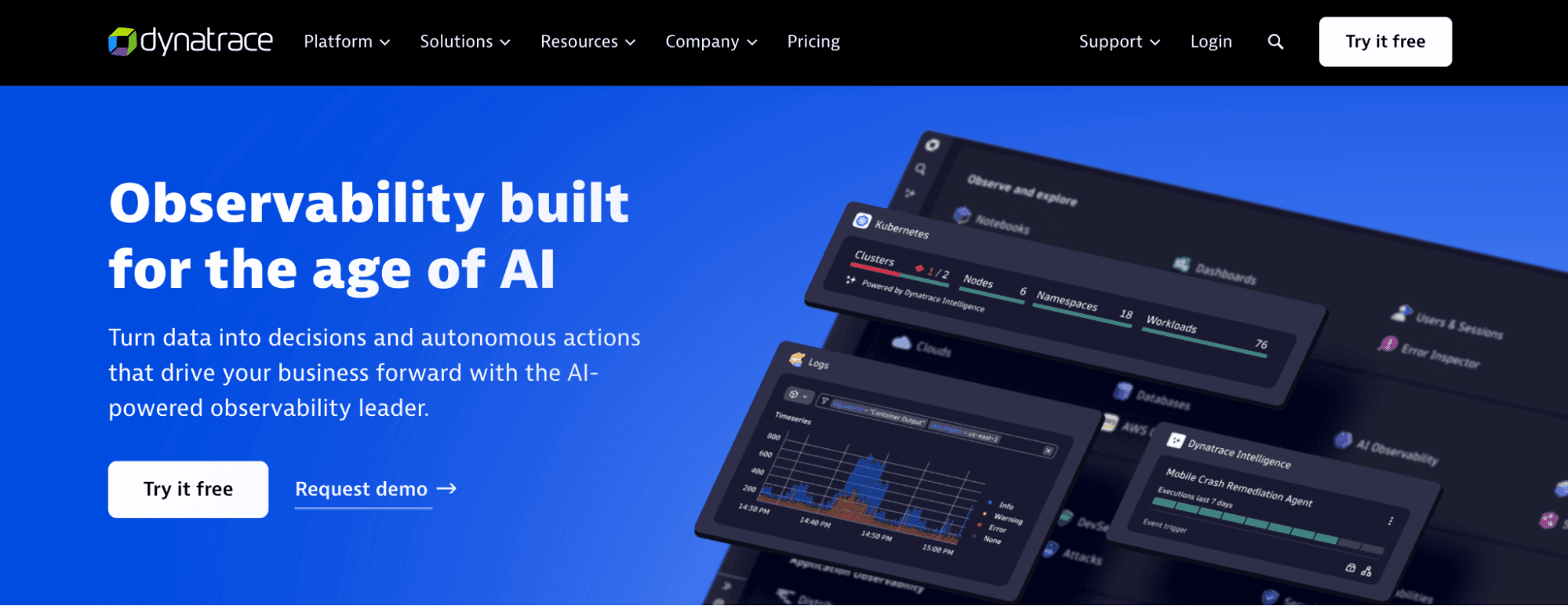
Its proprietary AI engine, Davis, continuously analyzes billions of dependencies in real time to identify root causes, reduce alert noise, and automate remediation. Dynatrace helps DevOps, SREs, and platform teams maintain performance, reliability, and security at scale, all while reducing manual overhead.
Davis CoPilot now generates DQL queries from natural language and explains existing queries in context, which speeds analysis for teams that do not write queries every day.
As of early 2026, Davis CoPilot has been folded into a broader product layer called Dynatrace Intelligence, and the standalone Ask Davis CoPilot app has been renamed Dynatrace Assist, which adds agentic capabilities for multi-step investigation through a conversational interface.
Key features of Dynatrace:
- Davis AI engine — automatically pinpoints root causes by correlating distributed traces, metrics, and logs through dynamic dependency graphs.
- Unified observability — combines metrics, traces, logs, and real-user data in one platform.
- Automated discovery and instrumentation — maps applications, services, and dependencies without manual configuration.
- Cloud-native monitoring — native support for Kubernetes, serverless, and hybrid cloud environments.
- Proactive anomaly detection — uses predictive analytics and behavior modeling to identify anomalies before they affect users.
- Davis CoPilot for natural-language queries — generates and validates DQL queries from natural-language prompts, lowering the barrier for ad-hoc investigations by responders who do not write DQL daily.
Website: https://www.dynatrace.com
License/Price: Commercial. Pricing is usage-based and modular, with options tailored for infrastructure, application monitoring, and digital experience management. A free trial is available for new users.
Dynatrace ratings and reviews:
- G2: 4.5/5 (1359 reviews)
11. Jenkins with AI Plugins
Jenkins is an open-source automation server widely used for CI/CD.
While Jenkins itself is not inherently AI-driven, its extensible architecture allows teams to integrate AI and machine learning capabilities through a growing ecosystem of plugins and external tools. Some natural language features and advanced ML plugins are experimental or community-supported, and vary in maturity.
By combining Jenkins’ automation strength with AI plugins, DevOps teams can boost pipeline efficiency, proactively detect issues, and make data-informed decisions during software delivery.
Where Jenkins fits
Jenkins fits teams already standardized on Jenkins for CI/CD that want to add AI at specific pipeline stages through plugins. The plugin ecosystem covers predictive build failure analysis, smart test selection, and anomaly detection in pipeline behavior, through community-maintained plugins such as Build Failure Analyzer.
Pipeline visualization plugins like Blue Ocean are sometimes grouped in this category but are not AI tools. Blue Ocean is also in maintenance mode and no longer receiving feature updates, so it shouldn’t anchor an AI-pipeline evaluation.
Where it doesn’t
Jenkins itself has no built-in AI capabilities. What is available is a patchwork of community-maintained plugins that bolt AI onto specific pipeline steps. Maturity varies between plugins, and some natural-language features are experimental.
For teams evaluating CI/CD platforms with AI as a primary requirement, this is a meaningful limitation. Platforms where AI is part of the product, rather than a third-party plugin, typically offer a more consistent experience.
Jenkins remains a strong option for teams whose CI/CD needs are well served by the existing automation and that treat AI as an addition rather than a core capability.
Website: https://www.jenkins.io (For AI plugins: refer to the Jenkins Plugin Index or community-maintained GitHub repositories.)
License/Price: Open-source (MIT License). Free to use with optional paid support via third-party vendors. AI functionality depends on community or enterprise-developed plugins, which may have their own licensing terms.
Jenkins ratings and reviews:
- G2: 4.4/5 (546 reviews)
12. Spacelift
Disclosure: Spacelift is the publisher of this article. We’ve included ourselves so you can compare, but treat this entry as a vendor perspective, not an independent ranking.
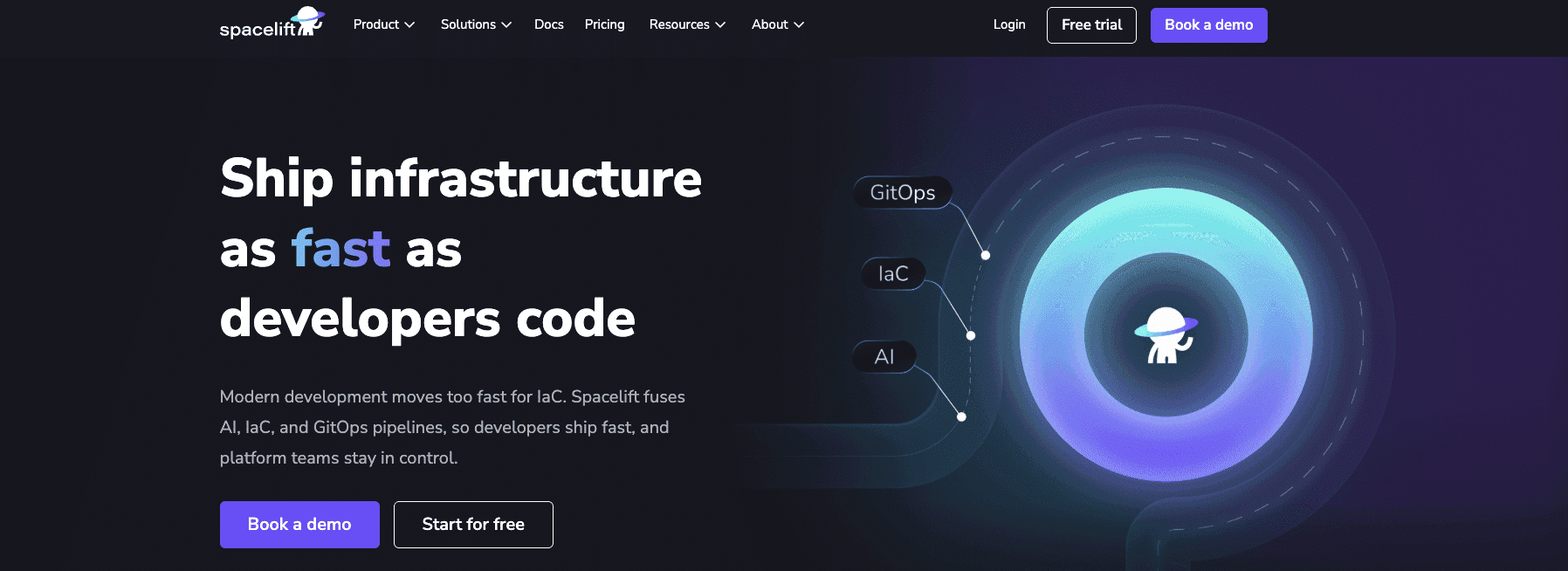
Spacelift is an infrastructure orchestration platform built specifically for IaC workflows including Terraform, OpenTofu, Terragrunt, Pulumi, CloudFormation, Ansible, and Kubernetes.
The AI features live in a product layer called Spacelift Intelligence, which includes three components: Infra Assistant (a conversational interface with context on stacks, state, runs, and configuration), Spacelift Intent (natural-language provisioning for non-production workloads), and Saturnhead Assist (automatic AI analysis of failed runs).
Spacelift Intelligence
Spacelift Intelligence is a product layer that brings AI directly into your infrastructure workflow. It has three components that work together: Infra Assistant, Spacelift Intent, and Saturnhead Assist.
Infra Assistant is a conversational AI interface embedded in Spacelift. It understands your stacks, state, runs, and configuration, so you can ask questions about your infrastructure, get answers grounded in real platform data, and take action without leaving Spacelift. It is not a chatbot that generates Terraform and hands it back to you. It is a workflow participant with context.
Saturnhead Assist handles the troubleshooting side. When a run fails, it reviews the runner phase logs, analyzes them automatically, and provides clear, actionable feedback on what went wrong and what to do about it, in plain language. That cuts the manual log-reading work that usually sits between a failed run and a fix.
Spacelift Intent
Spacelift Intent is the natural language deployment component of Spacelift Intelligence. It lets your team provision and manage cloud infrastructure by describing what they need in plain language, governed by Spacelift’s policy-as-code, approvals, and audit trails.
You describe the outcome (“spin up a QA environment,” “add a read replica,” “tear down this demo stack”), and Intent provisions the change directly in your cloud via cloud provider APIs (through Terraform providers), without generating or maintaining Terraform or OpenTofu code. Spacelift enforces the same governance and visibility controls as your existing IaC workflows.
Intent sits alongside your IaC and GitOps pipelines — it doesn’t replace them. Use IaC and GitOps for production rigor, and Intent for speed on non-critical workloads like tests, demos, and POCs. As today’s prototypes become tomorrow’s production applications, you can promote Intent-provisioned infrastructure into full IaC and GitOps pipelines.
Read more about Spacelift Intent and infrastructure at the speed of thought.
Website: https://spacelift.io
Price/license: Free tier available; Paid subscription for additional features
Spacelift ratings and reviews:
- G2: 4.9/5 (9 reviews)
Common pitfalls when adopting AI tools in DevOps
Teams adopting the AI features in these tools tend to encounter the same patterns of friction. Knowing them in advance shortens the time between rollout and getting useful work out of the tools.
Adopting agentic features before the underlying data is clean
Several of the tools covered above include agentic AI features that act on telemetry, logs, or repository data rather than only reporting on it. Examples include Datadog’s Bits AI agents, Dynatrace’s Davis CoPilot, and the agentic coding mode in Amazon Q Developer.
Agents are only as useful as the signal they can read. If Datadog tags are inconsistent across services, if Dynatrace’s auto-discovered dependencies are noisy, or if a codebase has limited test coverage for an agent to verify its own work, the agent’s output becomes unreliable in ways that are hard to debug.
The pre-work to clean up tagging, ownership metadata, and test coverage often matters more than which agent product is chosen.
Treating AI features as autopilot rather than draft tools
AI features in DevOps tooling typically produce a first draft. The remaining work, including judgment, context, and exception handling, still belongs to the engineer.
For example, incident.io’s Scribe drafts a postmortem timeline, but the analytical conclusions still need human review. GitHub Copilot generates code but does not verify it against the project’s security or style requirements. Atlassian Intelligence summarizes long Jira threads, but the summary may miss the constraint that matters most.
Teams that treat these features as a way to skip a step tend to find the output frustrating. Teams that treat them as a way to start from a first draft rather than a blank page tend to get value quickly.
Adding new tools where the existing stack already covers the AI feature
Several AI capabilities in this article overlap. Snyk, GitHub Advanced Security, and AWS-native security services all provide vulnerability scanning with some level of AI prioritization. Datadog and Dynatrace both provide ML-based anomaly detection. PagerDuty and incident.io both include AI features for incident response, with different points of focus.
Before adding a new tool primarily for its AI features, check whether the existing stack already includes a comparable capability that has not been turned on or configured. The cost of switching tools, and the operational complexity of running two overlapping ones, frequently outweighs the marginal value of a slightly stronger AI feature.
Skipping review on AI-generated code and configuration
AI coding assistants and natural-language provisioning tools produce code and infrastructure changes that look correct but may contain subtle issues. GitHub Copilot has shipped filters and scanning to reduce risky suggestions, but the basic responsibility of reviewing AI-generated output before merging or applying it remains with the team.
For infrastructure-as-code workflows, the same applies to AI-generated Terraform, AI-assisted refactors, and natural-language provisioning. Policy-as-code checks, pull request reviews, and CI gates should apply to AI-generated artifacts on the same terms as human-written ones.
Over-investing in features that are still on roadmap
AI capabilities are rolling out across these products at different speeds. Some features mentioned in vendor announcements are generally available; others are in early access, limited to certain plans, or scheduled for future release. Treating a roadmap item as a current capability when comparing tools leads to plans that depend on features that are not yet ready.
Before committing to a tool primarily for an AI capability, verify against the vendor’s documentation that the feature is generally available in the plan the team would be on, in the region the team operates in, and at the limits the team would need.

As a software company that uses data and AI to make the meat industry more optimized and sustainable, Völur knew that transitioning to infrastructure as code (IaC) would enhance their engineering team’s productivity and speed. Spacelift's self-service platform enhanced their developer velocity by accelerating the speed at which code runs successfully in production.
Key points
These tools support engineers, they don’t replace them. They help teams make data-driven decisions, predict issues before they occur, and optimize workflows in real time.
Choosing the right combination of tools depends on your team’s specific needs, stack, and scale, but the potential for smarter, faster development is universal.
Keep infrastructure moving at AI speed
Spacelift Intelligence keeps platform teams ahead. Fuse traditional IaC and GitOps pipelines with an AI deployment model and a powerful Infrastructure Assistant.