Detect and reconcile infra drift
The concept of drift represents the difference between the desired and the actual state of the infrastructure managed by your tool of choice — Terraform, Pulumi, CloudFormation, OpenTofu. There are two primary sources of drift in any environment.
Schedule a demoThe concept of drift represents the difference between the desired and the actual state of the infrastructure managed by your tool of choice — Terraform, Pulumi, CloudFormation, OpenTofu. There are two primary sources of drift in any environment.

Changes introduced by external actors — either humans or machines (scripts)

Dependency of your resources on external data sources that change
Drift happens, so let Spacelift deal with it.
Reconcile your IaC
Empower developers and security teams by offering drift detection for their favorite IaC tooling.
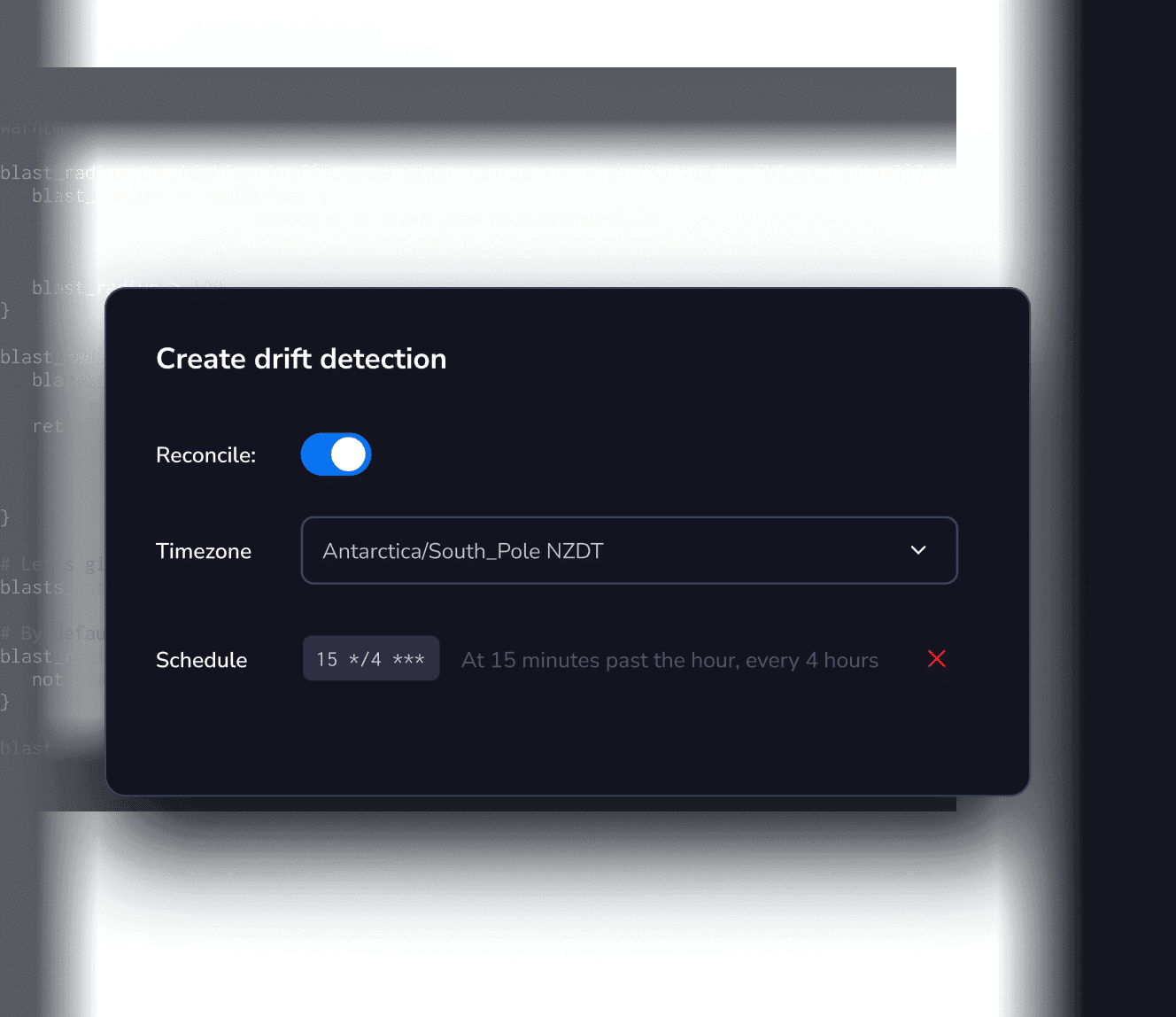
Drift detection runs
Automate periodic runs on your stable infrastructure to check for any changes.
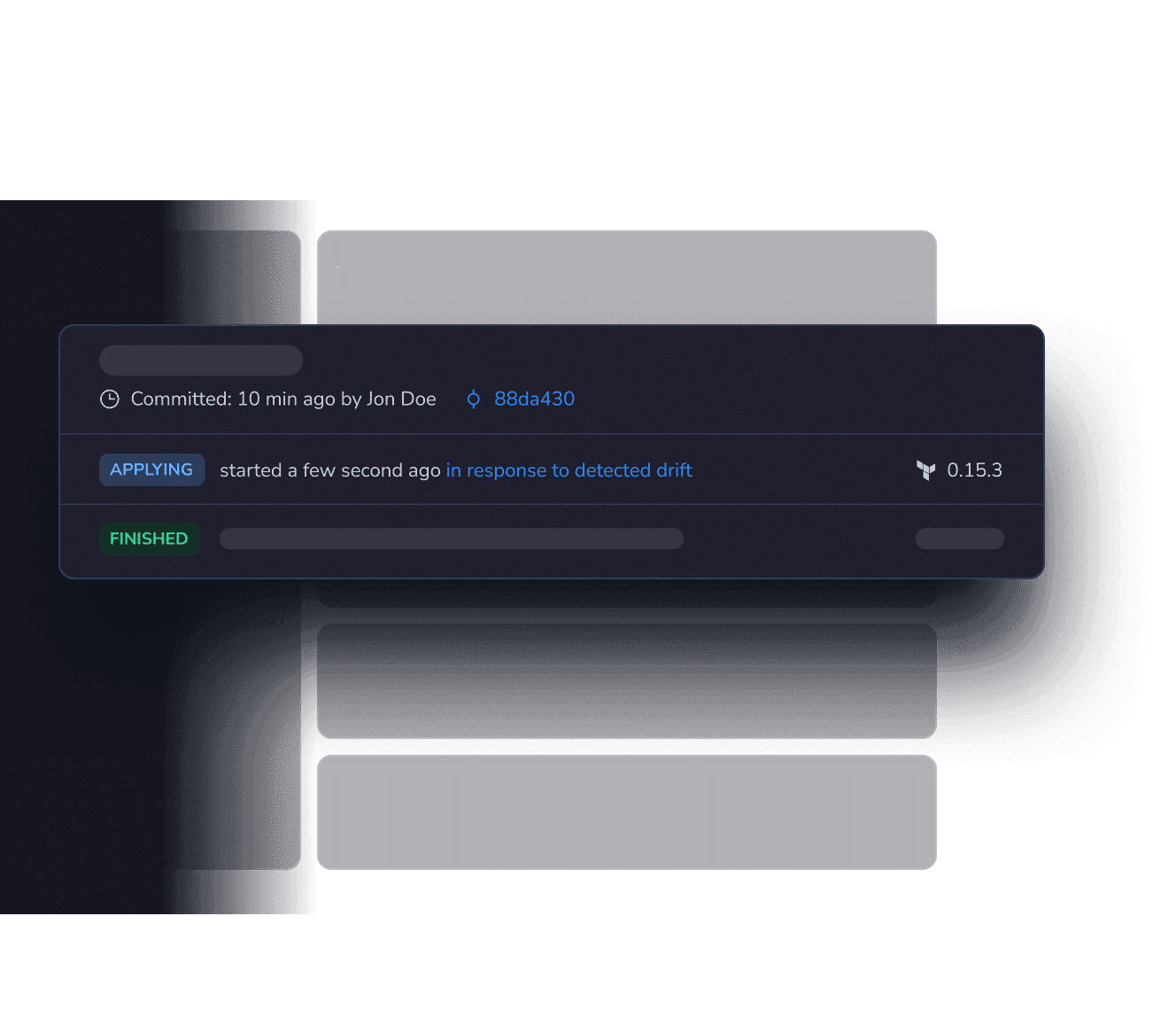
Reconciliation jobs
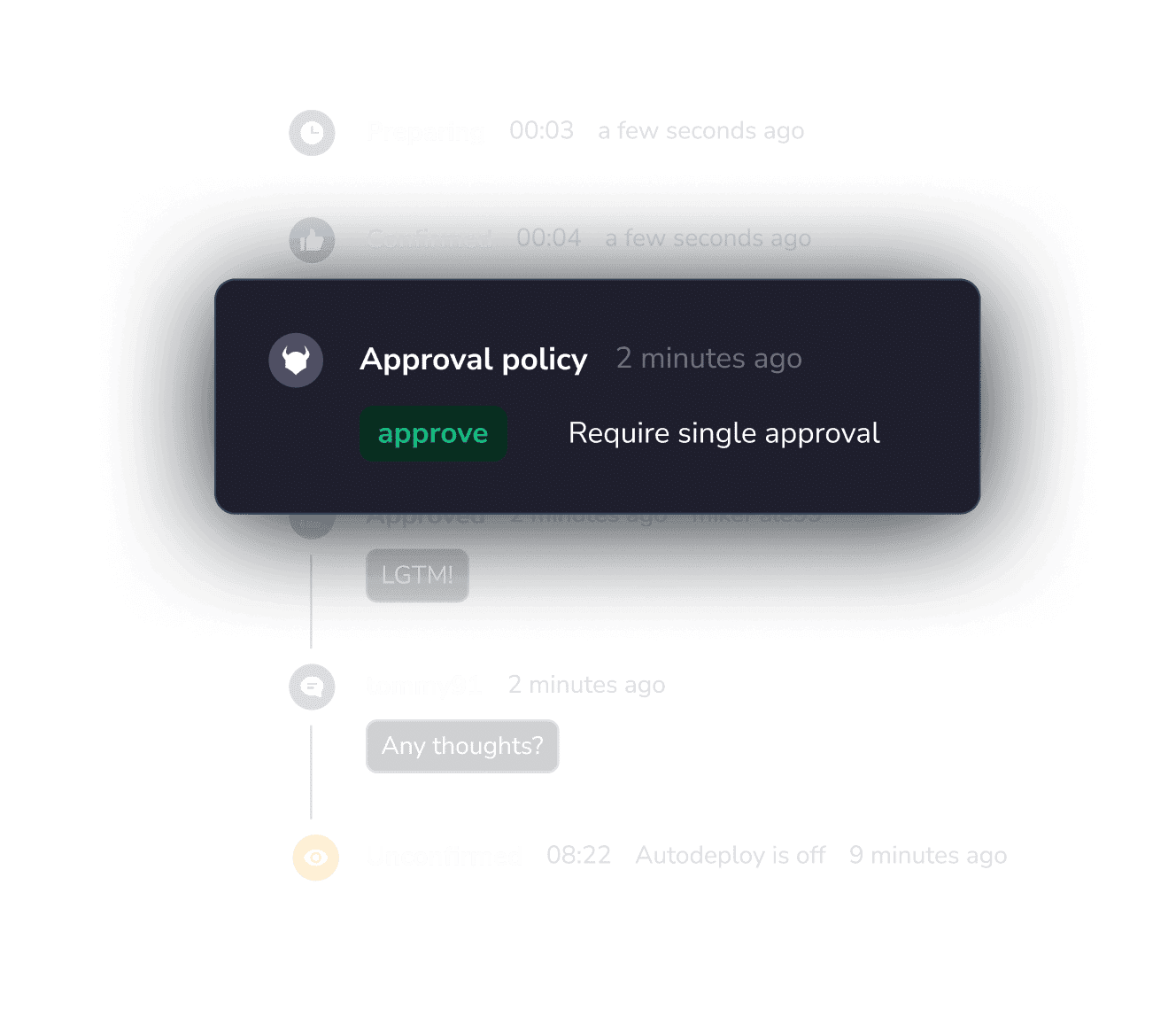
Initiate tracked runs on your current state and obey the same rules and constraints as other runs.
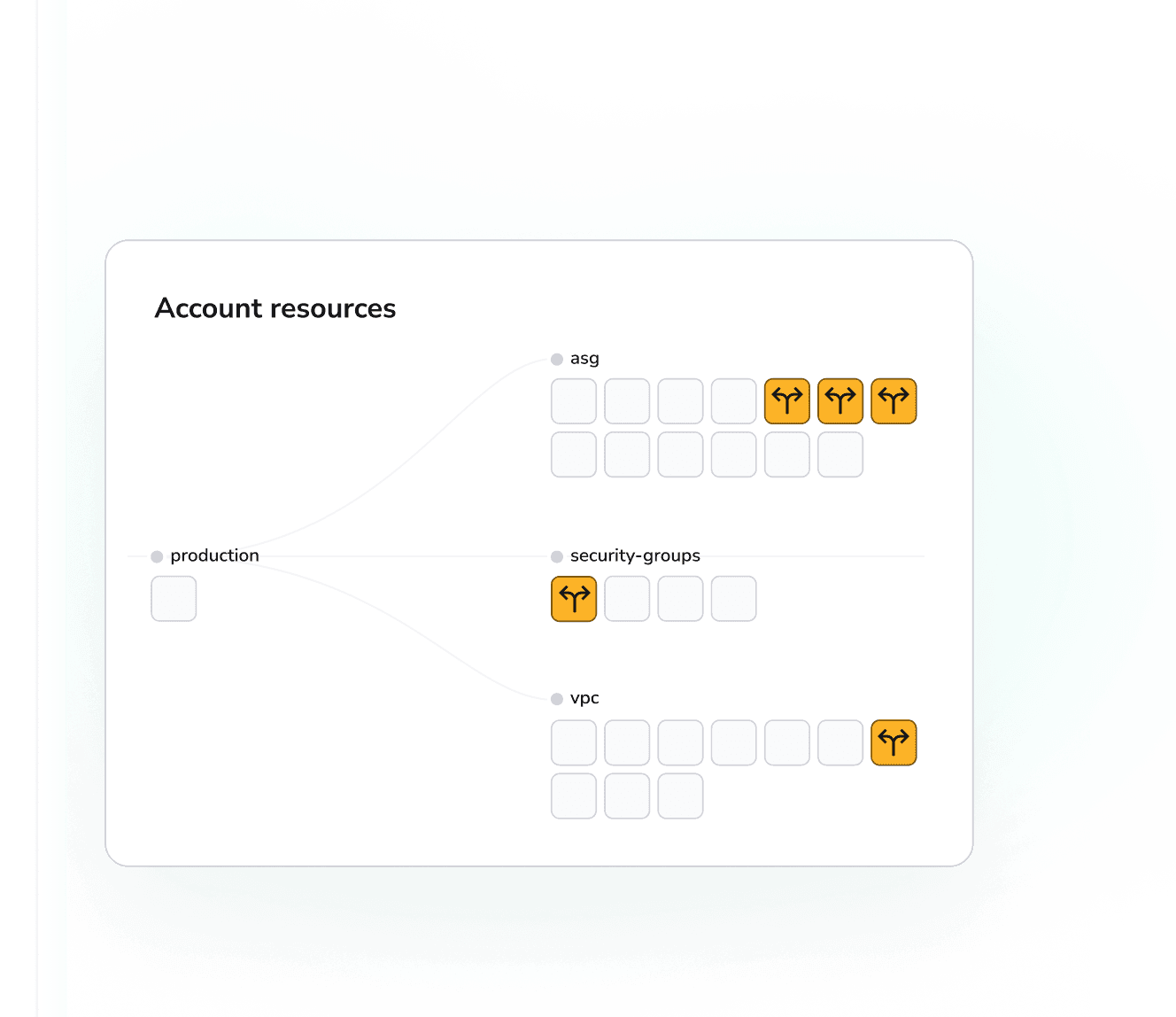
Visualize the changes
Spacelift is powering platform teams
everywhere

“Our team includes developers distributed around the world across American, Australian, and European time zones. Spacelift has given us a lot of additional trust in each other. Because we have guardrails and defined workflows set up it allows us to have shared visibility into what we’re all doing.”

“With Spacelift, we can have an overarching collection of policies that govern when and how everything runs. This stuff is radically further ahead than the way 99% of companies use Terraform.”

"Spacelift has helped us set up a flexible and productive Infrastructure as Code environment. It makes the basics like setting up and iterating on plans simpler and quicker, which has allowed us to focus on larger engineering concerns. And when things in our infrastructure go wrong, that’s when Spacelift really shines!"

"Spacelift has enabled Checkout to scale from a handful of deployments per day to averaging over 500 per day."
IaC was just the beginning
You need a collaborative environment for building the platform your teams need, with deep insight, full control, and unlimited flexibility. Build better with Spacelift.
Frequently Asked Questions
What is drift detection in Spacelift?
Drift detection in Spacelift refers to the process of identifying differences between your declared infrastructure state (the configuration managed by Terraform, Pulumi, or another IaC tool) and the actual state of your cloud resources.
How does Spacelift detect drift?
Spacelift periodically or on demand runs a plan against the current state, compares it with the provider, and looks for unexpected changes such as deleted security groups, resized instances, or missing buckets. If changes are found, the drift is surfaced for review and follow up.
How Spacelift reports and visualizes detected drift?
When differences are found, Spacelift can alert you via Slack, email, or webhooks, show the diff in the web UI, and open a tracked run so you can review and apply fixes to resync your stack.
How often can I check for drift in Spacelift?
As often as you like. Add a cron schedule to a stack to run drift detection hourly, daily, weekly, or more frequently, and note that drift detection requires private workers.
What are the best practices for scheduling drift detection runs on Spacelift?
Run at least daily for production or critical stacks. Space jobs to avoid overlap with heavy deployment windows. Wire up Slack or webhooks so teams are notified without manual checks. Prefer quieter hours unless immediate detection is required for security or compliance.
What does Reconcile do in Spacelift drift settings?
Reconcile brings live infrastructure back to the desired state defined in code. After drift is detected, you can ignore it if intentional or choose Reconcile to create and run a remediation that restores the stack to the intended state. You can also require human approval via policy if needed.
Can Spacelift auto-remediate drift?
Yes. You can enable Reconcile so drift automatically triggers a run that brings resources back in line, subject to your auto deploy and policy rules. Many teams use policies to gate auto remediation for safety.