

CircleCI is widely used in the CI/CD ecosystem and is known for its developer-friendly workflows and cloud-native flexibility. However, it may not be the best fit for every organization in 2026, especially as infrastructure needs, compliance requirements, and platform preferences evolve.
Whether you’re dealing with complex IaC setups, managing hybrid environments, or simply seeking clearer pricing and control, alternative CI/CD platforms may better support your engineering goals.
TL;DR
CircleCI is a solid CI/CD tool, but it isn’t the right fit for every team, especially as infrastructure, compliance, and pricing needs shift. The article walks through 12 alternatives across different categories:
- General-purpose CI/CD (Jenkins, GitLab CI/CD, GitHub Actions, Travis CI, Buddy, Buildkite)
- Coud-native and vendor-tied options (AWS CodePipeline, Azure DevOps)
- Kubernetes and GitOps tools (Devtron, Argo CD)
- A deployment-focused platform (Northflank)
- Infrastructure orchestration (Spacelift)
What to look for in CircleCI alternatives?
Choosing a CI/CD platform involves evaluating how well it aligns with your team’s technical requirements and long-term priorities. The right solution should support both current workloads and future growth. When considering alternatives, assess the following areas:
- Infrastructure compatibility:
- Does it support native and first-class support for containers, VMs, etc.?
- Can it scale across multiple environments and deployment targets?
- Security and compliance features:
- Does it offer artifact signing and support for Supply-chain Levels for Software Artifacts (SLSA) or similar standards?
- How does it manage secrets and permissions (e.g., through OIDC or built-in vaults)?
- Deployment models:
- Are cloud, hybrid, or self-hosted options available?
- Can the platform run securely in regulated or air-gapped environments?
- Pricing structure:
- Is the billing model based on usage, concurrency, seats, or a combination?
- Are the costs transparent and predictable over time?
- Extensibility and integrations:
- Does it include a robust ecosystem of plugins or marketplace actions?
- Can workflows be templated or reused across teams?
Matching these capabilities to your team’s needs can help ensure a smooth transition and long-term success with a new CI/CD platform.
How we review software at Spacelift
We aim to make our recommendations practical and vendor-neutral. For each tool we include, we evaluate category fit, core capabilities, integrations, documentation quality, security/governance features (when relevant), and pricing transparency. We also reference public review signals to validate common strengths and limitations.
Best CircleCI alternatives
In this section, we’ll break down leading CI/CD platforms that can serve as strong alternatives to CircleCI, depending on your team’s requirements, workflow preferences, and infrastructure choices.
The top CircleCI alternatives include:
1. Jenkins
Jenkins remains one of the most customizable CI/CD tools available, with a vast plugin ecosystem and community-driven development.
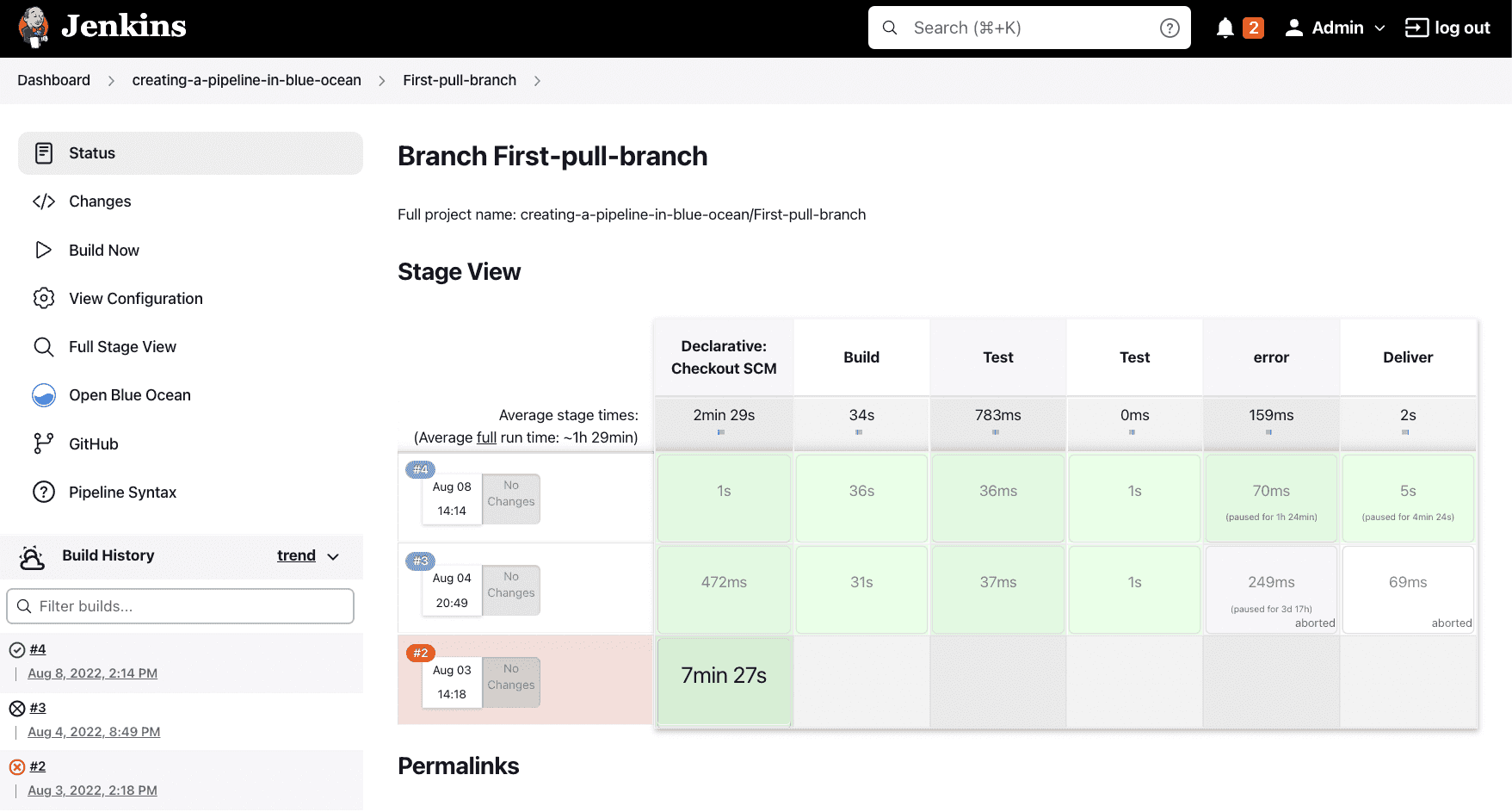
Originally created for Java-based builds, Jenkins’s extensibility supports virtually every language, platform, and build tool. It is ideal for teams with the resources and expertise to maintain their own build infrastructure and tailor pipelines to specific needs.
A Jenkinsfile in Groovy. Powerful, but you are writing in a full DSL, not a config format.
pipeline {
  agent any
  stages {
    stage('Build') { steps { sh 'make build' } }
    stage('Test')  { steps { sh 'make test' } }
  }
}
CircleCI users moving to Jenkins often trade convenience for control. While Jenkins requires manual agent setup to scale and lacks UX polish, it excels in flexibility and transparency. You define exactly how agents are provisioned, how jobs are triggered, and how artifacts are stored.
Jenkins remains a reliable and proven option for organizations that prioritize self-hosting, custom workflows, and extensive integrations.
Jenkins key features
- Pipeline-as-code via scripted or declarative Groovy DSL
- 1,800+ plugins for SCM, notifications, deployment, and testing
- Shared libraries for DRY pipeline management
- Support for distributed build agents across any environment
- Active open-source community with LTS support releases
License type: Open source (MIT License)
Jenkins ratings and reviews:
- G2: 4.4/5 (546 reviews)
Website: https://www.jenkins.io
2. Devtron
Devtron offers a developer-friendly platform for teams to build and deploy applications on Kubernetes. It emphasizes usability through visual pipeline modeling and tightly integrates CI/CD with day-two operations such as monitoring and rollback. This all-in-one approach supports faster delivery cycles and improves release reliability.
Rather than acting as a standalone CI engine, Devtron weaves together build, deploy, and security processes for containerized services. Built-in image scanning, configuration policy enforcement, and multi-cluster support make it a strong candidate for teams scaling Kubernetes across environments.
While CircleCI can trigger Kubernetes workflows through integrations, Devtron makes Kubernetes the default operating model. Its tight coupling with cluster management tools may appeal most to teams with a mature or growing platform engineering function.
Devtron key features
- GitOps-style deployment promotion across environments
- Embedded container scanning and SBOM support
- Visual and declarative pipeline configuration
- Automated rollout and rollback strategies
- Centralized dashboard for application and cluster health
License type: Open source (Apache License 2.0) with commercial/enterprise plans
Devtron ratings and reviews:
- G2: 4.8/5 (4 reviews)
Website: https://devtron.ai
3. Argo CD
Argo CD is an open-source tool that enables continuous delivery via GitOps principles, synchronizing Kubernetes manifests stored in Git with one or more clusters.
It watches for changes in the repository and applies them declaratively, ensuring the live state always matches the intended configuration. This model supports self-healing and simplifies audit compliance.
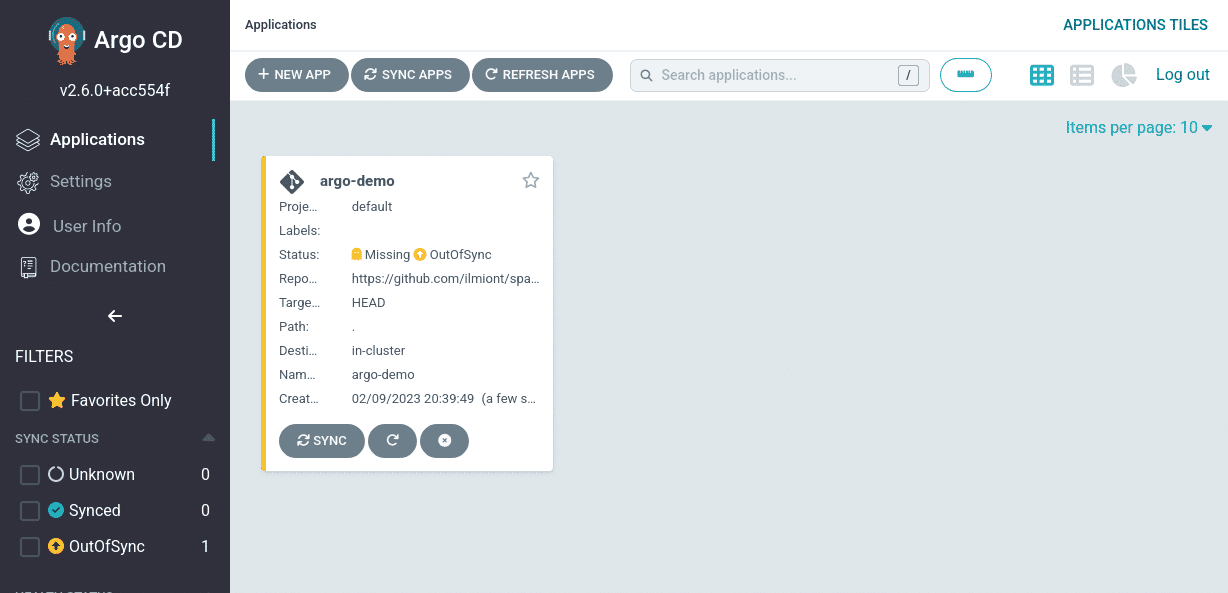
You declare desired state and Argo CD reconciles the cluster to match it:
apiVersion: argoproj.io/v1alpha1
kind: Application
metadata:
  name: my-app
  namespace: argocd
spec:
  source:
    repoURL: https://github.com/org/repo.git
    targetRevision: main
    path: manifests
  destination:
    server: https://kubernetes.default.svc
    namespace: my-app
  syncPolicy:
    automated: { prune: true, selfHeal: true }
Instead of acting as a traditional pipeline orchestrator, Argo CD focuses solely on deployment and state reconciliation. Its role in the toolchain is more focused than CircleCI, making it a complementary fit for teams that already have CI in place but want GitOps-powered CD.
It also integrates well with Argo Rollouts, Argo Workflows, and Argo Events to form a comprehensive delivery suite. For teams managing many microservices across clusters, Argo CD offers strong scalability and visibility.
Argo CD key features
- Git-based application definition and sync
- Drift detection with optional auto-correction
- Role-based access controls and SSO support
- Cluster-wide application status dashboards
- Integrates with Cosign for image signature verification
License type: Open source (Apache License 2.0)
Argo CD ratings and reviews:
- G2: 4.6/5 (34 reviews)
Website: https://argoproj.github.io/cd/
Read more: Using ArgoCD & Terraform to Manage Kubernetes Cluster
4. GitLab CI/CD
GitLab CI/CD stands out for its integration across the software delivery lifecycle. From source code and issues to pipelines and security scans, everything happens within a single platform. This tight coupling enhances traceability and collaboration across development and DevOps teams.
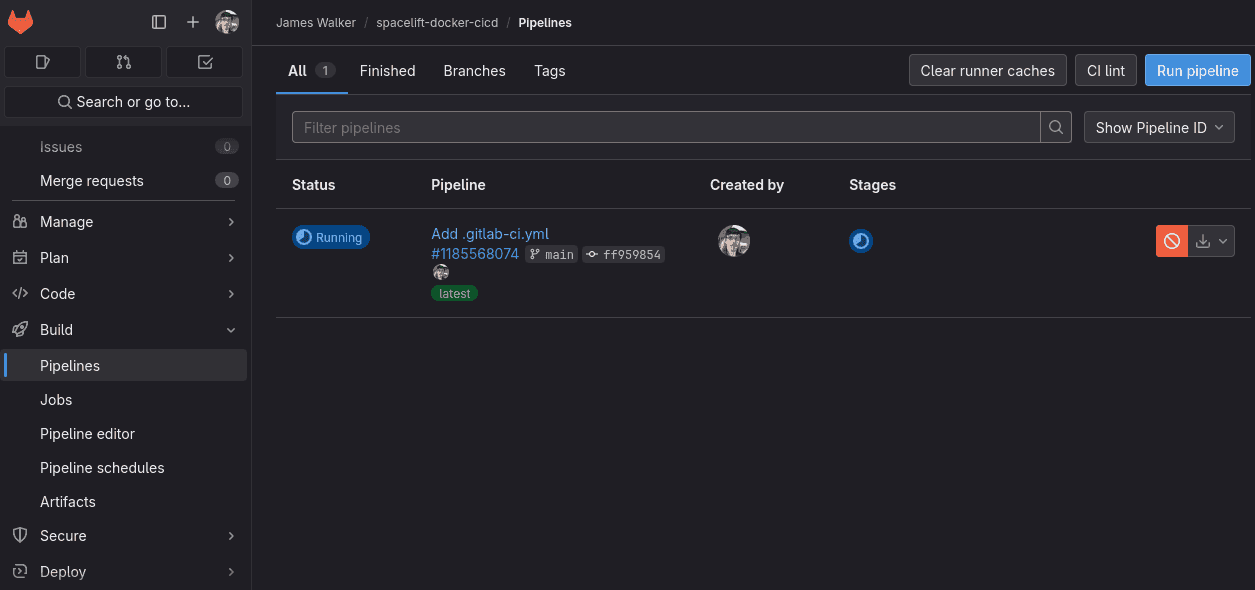
Its pipeline syntax is YAML-based and supports powerful features like parallelism, environment variables, and conditional stages. GitLab’s runners are flexible and support execution on Docker, Kubernetes, and custom hardware, giving teams options for scaling compute.
Compared to CircleCI, GitLab CI/CD may require a steeper learning curve initially, but can simplify long-term maintenance by consolidating tools. Organizations already using GitLab repositories will likely benefit the most from adopting its CI/CD capabilities.
GitLab can also be run fully on-prem, making it appealing to highly regulated industries.
GitLab CI/CD key features
- Auto DevOps templates for rapid pipeline setup
- Built-in SAST, DAST, and license compliance scanning
- Kubernetes-native runner support
- Integrated review apps for staging previews
- Policy enforcement and audit controls
License type: Open-core (MIT Community Edition, proprietary Enterprise features)
GitLab ratings and reviews:
- G2: 4.5/5 (872 reviews)
Website: https://about.gitlab.com
5. GitHub Actions
GitHub Actions brings automation directly into the GitHub ecosystem, letting users define workflows triggered by Git events such as pushes, pull requests, or releases. This proximity to source control simplifies workflow creation and shortens the feedback loop for developers.
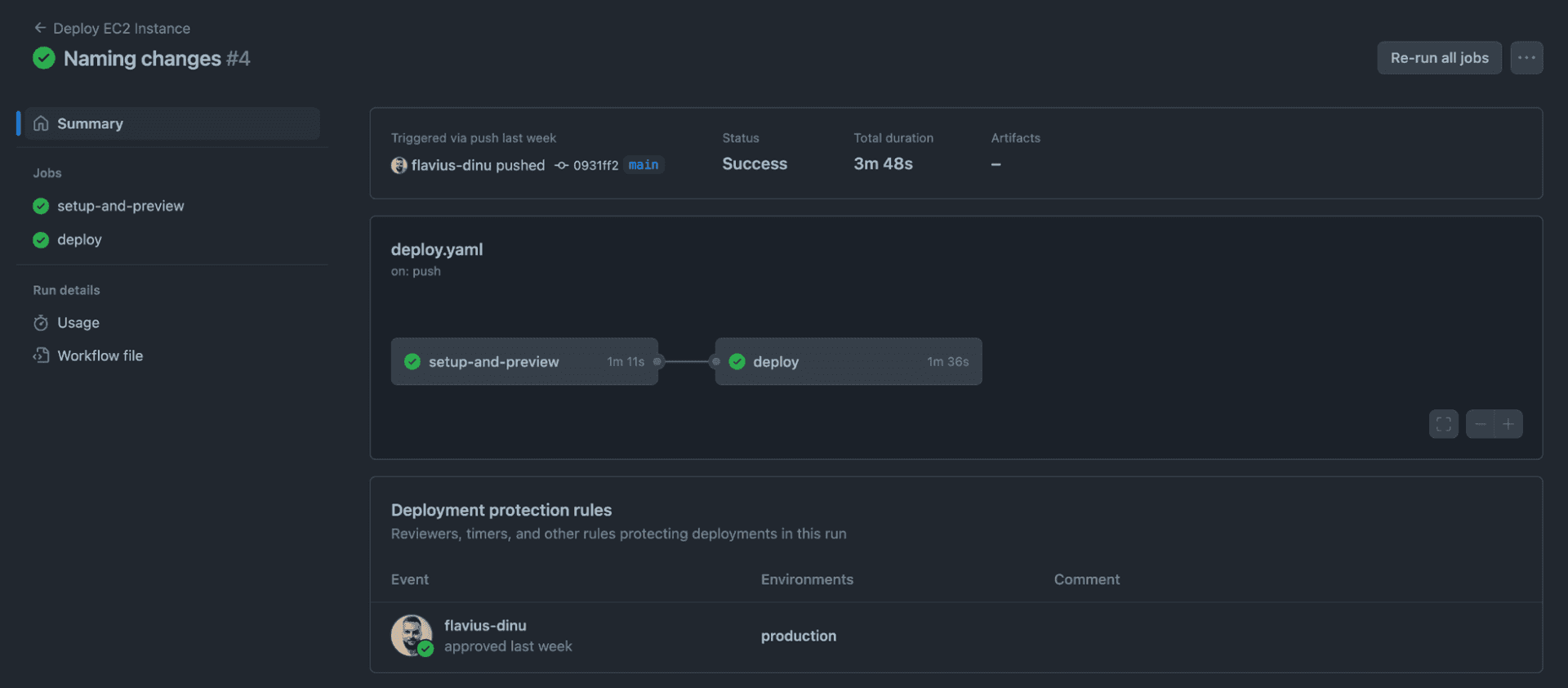
With reusable workflows, support for matrix builds, and a large action marketplace, GitHub Actions offers flexibility and composability. Secrets management and OIDC integration also enable secure deployment to major cloud providers.
YAML lives in .github/workflows. Familiar to anyone who has written CircleCI config, minus the orbs.
name: CI
on:
  push:
    branches: [main]
jobs:
  build:
    runs-on: ubuntu-latest
    steps:
      - uses: actions/checkout@v5
      - run: make build
      - run: make test
While CircleCI supports similar workflows, GitHub Actions’ native integration with GitHub repositories and developer tools gives it an edge for teams already invested in the GitHub platform.
GitHub Actions key features
- Event-driven automation based on Git activity
- 20,000+ marketplace actions for CI/CD tasks
- Reusable workflows and composite actions
- OIDC-based secrets for secure cloud deploys
- Built-in code scanning and dependency review
License type: Commercial (Free tier, proprietary)
Website: https://github.com/features/actions
Read more: Top GitHub Actions alternatives
6. AWS CodePipeline
AWS CodePipeline is a fully managed CI/CD service that automates build, test, and deployment workflows. It reacts to source changes and moves code through defined stages using AWS and third-party tools, enabling fast and consistent software delivery.
Though not GitOps-based, CodePipeline integrates deeply with AWS services like CodeBuild, CodeDeploy, and CloudFormation. It suits teams building on AWS infrastructure, offering a more opinionated experience than CircleCI, which emphasizes flexibility and broader CI support.
With support for custom actions, approval gates, and infrastructure-as-code definitions, CodePipeline helps teams enforce delivery standards while staying within AWS-native workflows. It scales well and works seamlessly with IAM and event-driven triggers.
AWS CodePipeline key features
- Native integration with AWS services and IAM
- Parallel and sequential action support in pipelines
- Visual pipeline editor and CLI/IaC support
- Built-in manual approval actions and integration with CodeBuild and CodeDeploy for build and deploy stages
- Event-driven triggers via CloudWatch and EventBridge
License type: Managed service (AWS proprietary)
AWS CodePipeline ratings and reviews:
- G2: 4.3/5 (68 reviews)
Website: https://aws.amazon.com/codepipeline
7. Northflank
Northflank is a developer-first platform for building, deploying, and managing services with minimal overhead for common containerized workflows. It automates container builds, deployments, and infrastructure tasks through an intuitive UI and API, with strong Git integration for push-to-deploy workflows.
Unlike traditional CI/CD tools, Northflank focuses on deployment and service management rather than complex pipeline logic. Compared to CircleCI, it leans more into infrastructure and app delivery, offering built-in databases, scaling, and environment controls.
With native support for secrets, logging, and monitoring, it can be useful for small to mid-sized teams that want fast, managed delivery without deep configuration.
Northflank key features
- Git-based builds and deployments
- Managed services, jobs, and databases
- Built-in observability and logging
- Secrets and environment management
- UI and API-driven workflows
License type: Commercial (Free & paid tiers)
Northflank ratings and reviews:
- G2: 4.9/5 (11 reviews)
Website: https://northflank.com
8. Azure DevOps
Azure DevOps is a suite of development tools and services for managing the entire software lifecycle, from planning and coding to building, testing, and releasing. Its pipelines feature offers CI/CD automation with support for YAML-based configuration and integrations across Microsoft and third-party ecosystems.
While broader in scope than CircleCI, Azure DevOps emphasizes traceability and governance, making it popular in enterprise settings. It supports hybrid and multi-cloud deployments and is strongly integrated into Azure infrastructure and services like Key Vault, App Service, and AKS.
Azure DevOps can be tightly integrated with Microsoft 365 and Entra ID (formerly Azure AD) as well, improving governance for enterprise users.
The platform combines CI/CD with project tracking, code hosting, testing, and package management, offering teams a centralized DevOps environment.
Azure DevOps key features
- YAML-defined or visual CI/CD pipelines
- Deep integration with Azure services
- Built-in Git repos, boards, test plans, and artifacts
- Fine-grained permissions and audit controls
- Multi-platform and container deployment support
License type: Commercial (Free tier available)
Website: https://azure.microsoft.com/devops
Read more: Terraform with Azure DevOps CI/CD Pipelines
9. Travis CI
Travis CI is a cloud-based continuous integration service that automates building and testing code directly from GitHub or Bitbucket repositories. It runs jobs in response to commits and pull requests, using a lightweight YAML file to define the build steps.
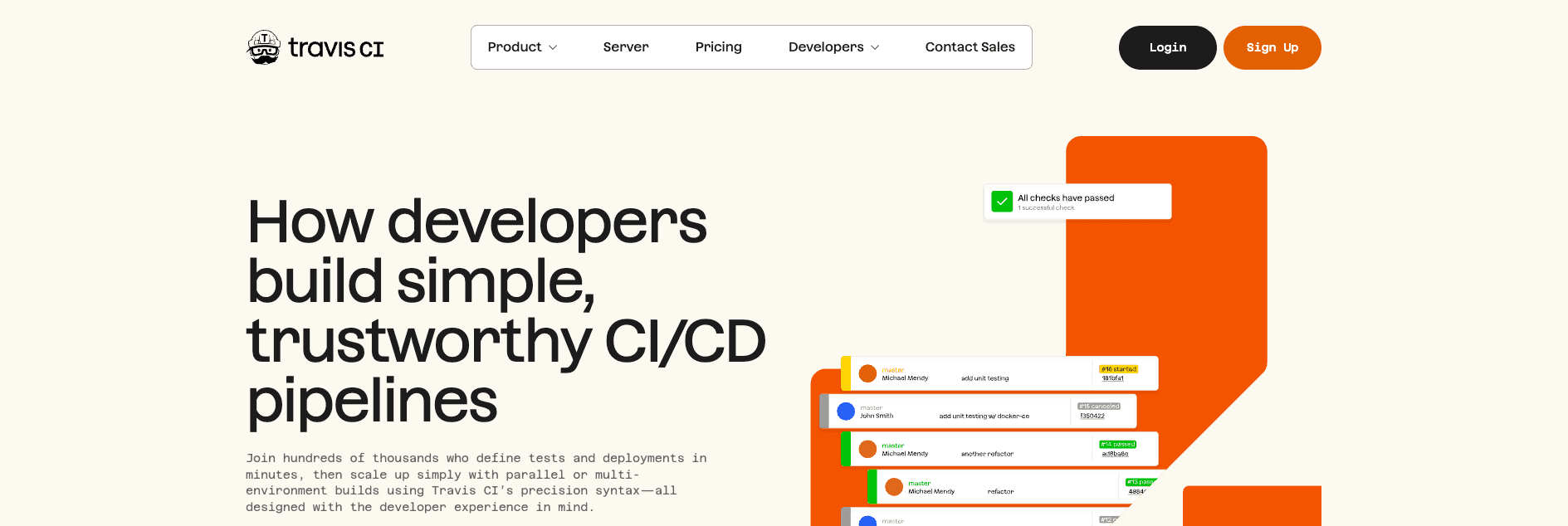
It was one of the first tools to make CI widely accessible to open-source projects, and its simplicity remains a strength. Configuration is quick, and the default environment supports many languages and frameworks out of the box.
Compared to CircleCI, Travis CI offers a more minimal and opinionated experience. It’s better suited to teams that prefer a simple, Git-centric pipeline without the need for advanced custom runners or dynamic workflows.
Travis CI key features
- Git-based CI/CD with YAML configuration
- Multi-language and cross-platform support
- Build matrix and parallel execution
- Native integration with GitHub and Bitbucket
- Public and private repo support
License type: Commercial (Free for OSS)
Travis CI ratings and reviews:
- G2: 4.5/5 (92 reviews)
Website: https://travis-ci.com
10. Buddy
Buddy is a CI/CD platform designed for speed and simplicity. It offers a visual pipeline editor that lets developers build automation workflows without writing complex scripts. The platform supports a wide range of actions out of the box, from builds and tests to deployments, Docker operations, and notifications.
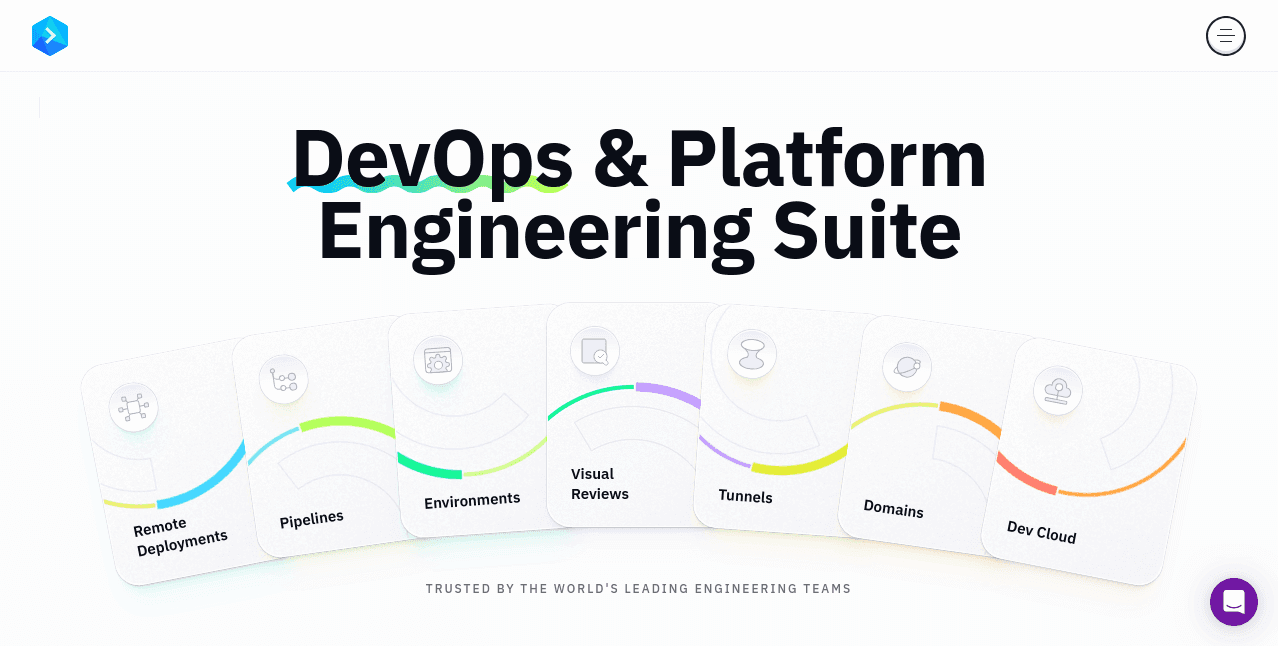
Buddy stands out for its user-friendly interface and rapid setup. Pipelines can be triggered by Git pushes, pull requests, or schedules, and are easy to configure for both beginners and experienced teams.
Unlike tools like CircleCI, which lean more heavily on YAML and custom scripting, Buddy prioritizes usability and pre-built integrations. This makes it especially attractive to teams looking to automate delivery without spending time wiring everything together manually.
Buddy key features
- Drag-and-drop visual pipeline builder
- Git-based automation triggers
- Native Docker, Kubernetes, and serverless support
- Built-in integrations with cloud providers and DevOps tools
- Parallel and condition-based pipeline execution
License type: Commercial (Free tier available)
Buddy ratings and reviews:
- G2: 4.7/5 (209 reviews)
Website: https://buddy.works
11. Buildkite
Buildkite is a hybrid CI/CD platform that lets teams run fast, scalable pipelines on their own infrastructure while using a managed control plane. It separates the UI and orchestration layer from the actual build agents, giving teams full control over performance, security, and environment configuration.
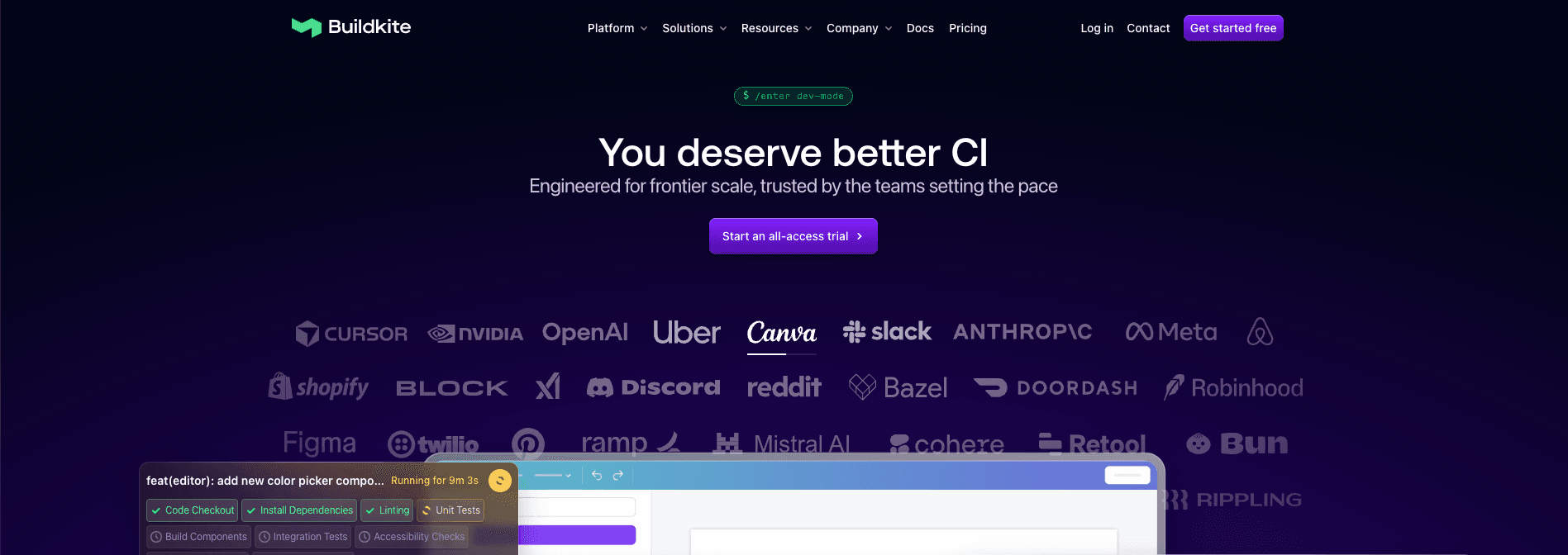
This architecture appeals to organizations with strict compliance or resource needs, allowing pipelines to run behind firewalls or in custom environments. Buildkite works well for large monorepos, polyglot stacks, and teams wanting to scale horizontally without vendor lock-in.
Compared to CircleCI, Buildkite offers more flexibility in how and where jobs are executed, but requires more setup and upfront infrastructure management.
Buildkite key features
- Hybrid architecture: cloud UI with self-hosted agents
- Fast, parallel pipelines with flexible concurrency
- Native support for Docker, shell scripts, and custom tooling
- Rich pipeline visualization and build logs
- Scales well for large teams and complex repos
License type: Commercial
Buildkite ratings and reviews:
- G2: 4.8/5 (25 reviews)
Website: https://buildkite.com
12. Spacelift
Spacelift is the publisher of this article. We’ve included ourselves so you can compare, but treat that entry as a vendor perspective, not an independent ranking.
Spacelift is an infrastructure orchestration platform built for managing infrastructure as code (IaC), configuration management, and Kubernetes workflows.
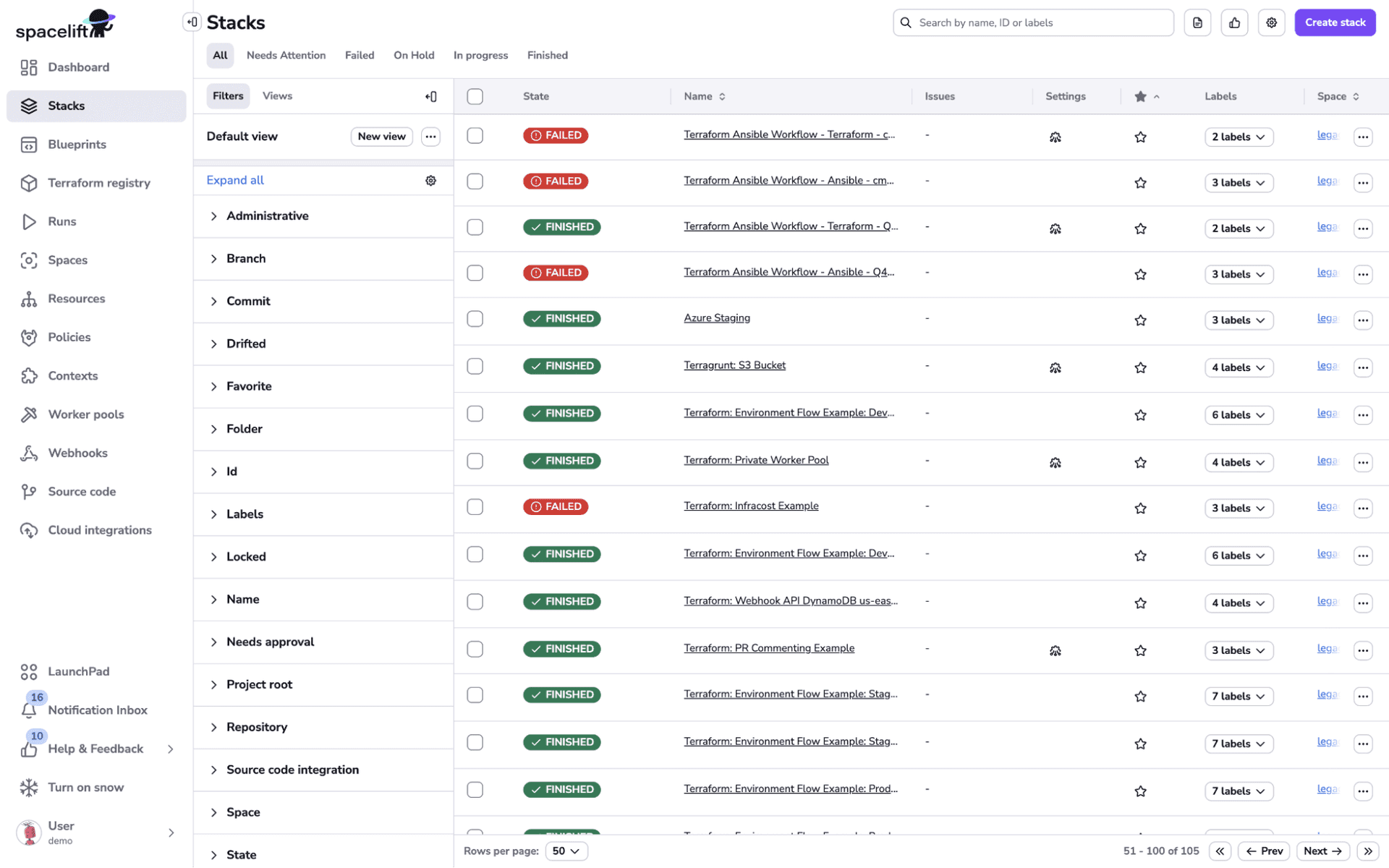
What distinguishes Spacelift from CircleCI is its native understanding of infrastructure as the primary deployment target. Instead of bolting on Terraform support, it was built with it in mind. You get dependency-aware planning, flexible worker configuration, and automated stack lifecycle management, all without losing the ability to define custom workflows.
It also runs a two-path deployment model. Production workloads follow a rigorous IaC and GitOps path, and developers provision non-critical infrastructure through Intent, an AI-powered path that takes plain-language requests while your policies, visibility, and audit trails still apply.
Here’s an example of a stack and its policy defined as code, so guardrails travel with every run:
resource "spacelift_stack" "production" {
  name              = "production-infra"
  repository        = "infra"
  branch            = "main"
  terraform_version = "1.15.0"
  autodeploy        = true
}

resource "spacelift_policy" "guardrail" {
  name = "Restrict regions"
  type = "PLAN"
  body = file("policies/regions.rego")
}

resource "spacelift_policy_attachment" "guardrail" {
  policy_id = spacelift_policy.guardrail.id
  stack_id  = spacelift_stack.production.id
}
Spacelift key features
- Native support for Terraform, OpenTofu, Terragrunt, Ansible, Pulumi, CloudFormation, and Kubernetes
- Policy-as-code using Open Policy Agent (OPA)
- Integrated drift detection and automated remediation options
- Two-path deployment model: IaC and GitOps for production, Spacelift Intelligence (including Intent) for AI-assisted provisioning of non-critical workloads
- Shared state and module registry for collaboration
- Blueprints for governed developer self-service
License type: Commercial (free tier available, proprietary)
Spacelift ratings and reviews:
- G2: 4.9/5 (12 reviews)
Website: https://spacelift.io
Key points
Selecting the right CI/CD platform is about more than ticking feature boxes. It’s about aligning with your team’s architecture, velocity, compliance needs, and growth trajectory.
If your team ships application code, lives mostly in one cloud, and has no pressing need for infrastructure-aware workflows or self-hosted control, CircleCI is hard to argue with. The cloud runners need almost no maintenance. The config format is well documented. For test-heavy application pipelines, the caching and parallelism are strong. Switching tools, in that situation, tends to cost you more than it returns.
In short, the best CI/CD platform is the one that fits your team’s present context and future evolution. Whether you’re replacing CircleCI or simply scaling out delivery pipelines, a thoughtful evaluation will set the foundation for a faster, safer, and more maintainable software lifecycle.
If you want to learn how Spacelift can support your CI/CD and infrastructure workflows, read this article, create a free account, or request a demo with one of our engineers.
Solve your infrastructure challenges
Spacelift is a flexible orchestration solution for IaC development. It delivers enhanced collaboration, automation, and controls to simplify and accelerate the provisioning of cloud-based infrastructures.